Paste your text
Add 100 to 5,000 English words. Your draft stays in this tab while you work.
Free AI detector
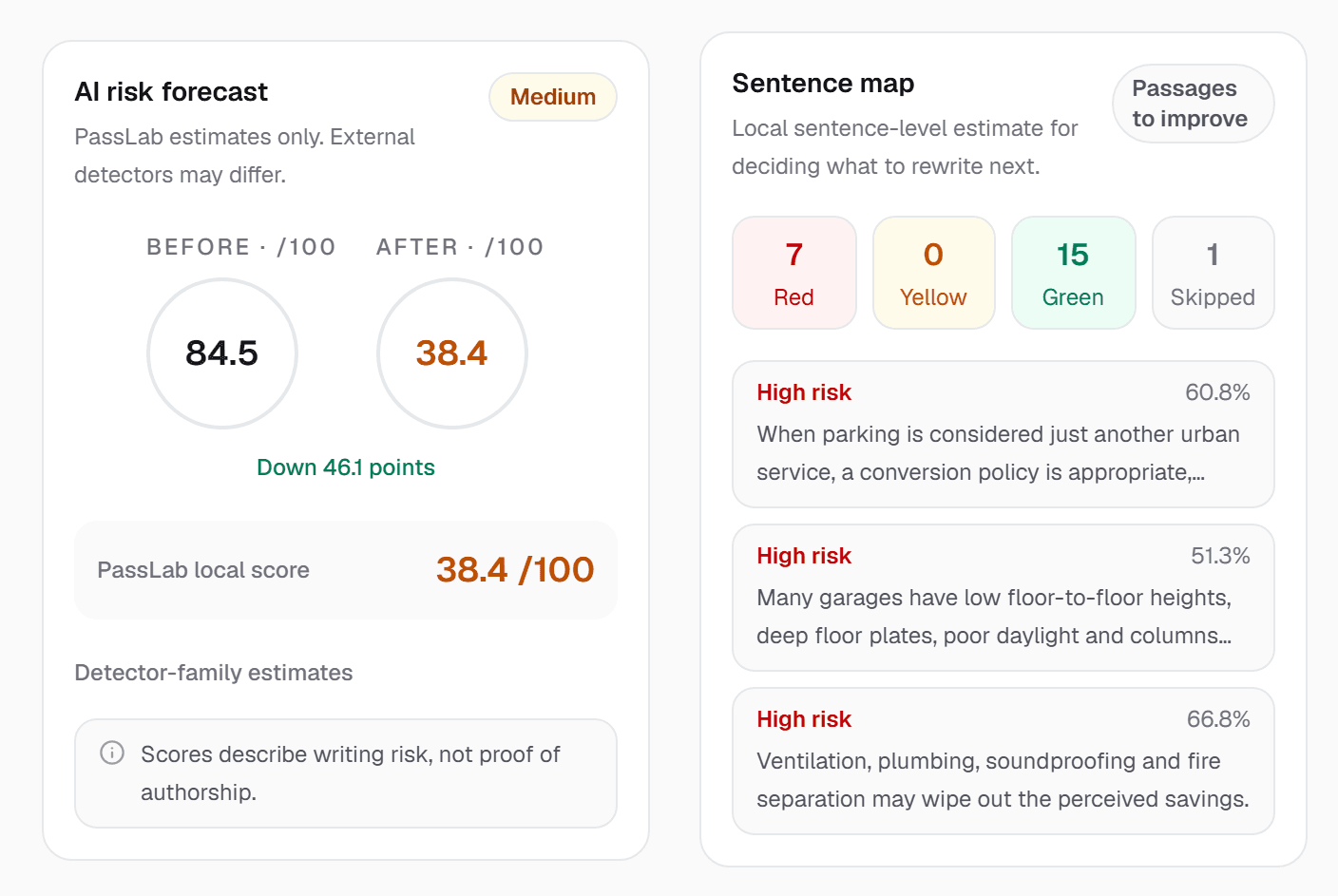
Paste your text to see an overall AI risk estimate, the sentences behind it, and separate estimates for Turnitin, GPTZero (beta), Originality.ai and nine more.
HOW IT WORKS
Add 100 to 5,000 English words. Your draft stays in this tab while you work.
See an overall AI risk estimate, a sentence map and a separate estimate for each of 12 detectors.
Send the draft to the humanizer in one click, focused on the sentences and detectors you choose.
WHY PASSLAB
See which sentences drive the estimate, coloured red, yellow or green, instead of one number for the whole text.
Separate estimates for Turnitin, GPTZero (beta), Originality.ai, Copyleaks, Pangram, Winston AI and six more.
Pick up to three detectors that matter to you. PassLab focuses its advice on those and still checks the rest.
A free account gives you unlimited AI risk checks. No card required.
Move straight from the report to the humanizer with your draft and detector choices carried over.
Scores describe writing patterns, not proof of authorship. Official detector results can differ.
SCORES YOU CAN ACT ON
The sentence map counts high, medium and low-risk sentences and lists the passages that most need attention, so you know where to start.
THEN REVISE
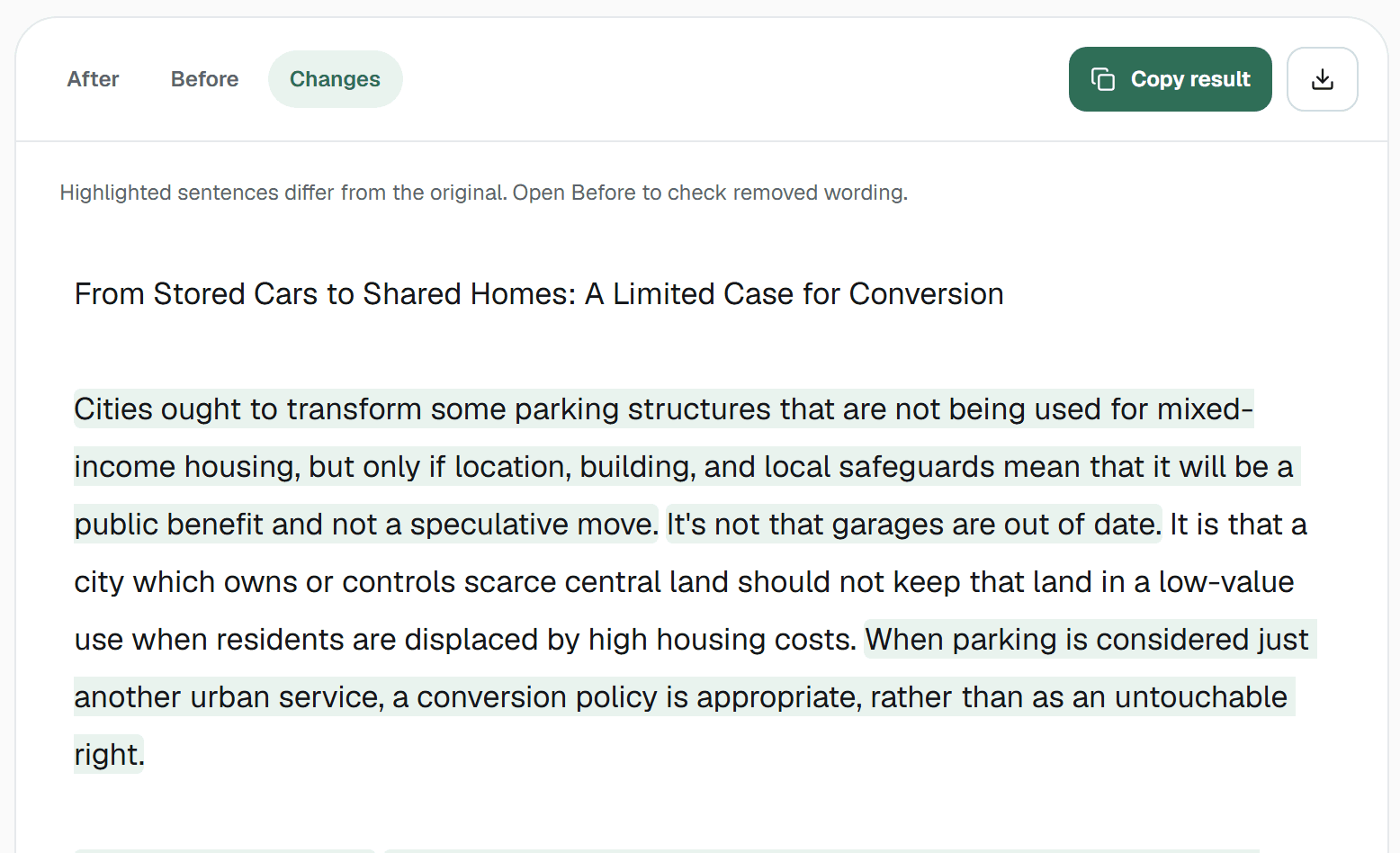
Open the draft in the humanizer and PassLab works on the high-risk sentences, highlighting every change so you can check it.
ONE DRAFT. TWELVE ESTIMATES.
Estimates come from PassLab's own models, not from the detectors themselves, and official results can differ. PassLab is not affiliated with any detector listed.
WHO IT IS FOR
Check how an AI-assisted draft reads before you revise it, and see exactly which passages to work on.
Screen articles, reports and client copy for AI-sounding passages and decide what needs a human edit.
AI detectors are classifiers trained to tell machine-generated text from human writing. They look at patterns such as how predictable each word is, how much sentence length and structure vary, and how often stock phrasing appears. Most report a probability or a percentage rather than a yes-or-no answer.
Because each detector is trained on different data with different thresholds, the same text can score very differently from one tool to the next. A passage that one detector flags may pass another.
Instead of a single number, PassLab estimates how your draft is likely to read to twelve widely used detectors, and highlights the sentences driving the risk. That makes it easier to decide what to revise and what to leave alone.
These are PassLab's own estimates, built to guide revision. They are not the detectors' official results, and no detector score proves who wrote a text. PassLab is not affiliated with any detector listed.
GOOD QUESTIONS
Yes. AI risk checks are free and unlimited with a free PassLab account. No card required.
Yes, a free account is needed to run a check. If you paste a draft first, it stays in your browser tab while you sign up.
Turnitin, GPTZero (beta), Originality.ai, Copyleaks, Pangram, Winston AI, ZeroGPT, Sapling, QuillBot, Grammarly and two StealthWriter versions.
They are PassLab's own estimates for each detector and are meant to guide revision. Official detector results can differ.
No. Scores describe writing patterns that detectors associate with AI. They are not proof of authorship.
Red sentences carry the highest estimated AI risk, yellow are uncertain and green are low risk. Start with the red ones.
Unlimited free AI risk checks with a free account.